
Beautiful AI slides in seconds
Type one line — Folveo builds a polished deck instantly, using AI that runs on your own machine. Your slides stay yours, cheaper than Gamma.

As powerful as premium AI tools, simple for everyone
Use the AI you already have, no cloud lock-in, no technical hurdles.
AI on your machine
Folveo uses AI assistants installed on your computer — pick a free model or use the AI subscription you already pay for. No extra AI fee from Folveo.
Your slides, your own
Every slide is saved right on your machine — private, in your control, never locked inside anyone's cloud.
One-click install
Install Folveo and the AI assistant in one click — no terminal, no API key. Open it and start creating.
Cheaper than Gamma
Pro starts at just $3.99/month. The free plan is already full-featured to get going.
From idea to beautiful slides in 3 steps
Describe your idea
Type a topic or paste your content. Choose the slide count, style, language, and image source.
Approve the outline & build
Preview the outline Folveo proposes, edit or reorder it if needed — then AI builds the full slides and adds images.
Refine & present
Leave feedback right on each slide for AI to fix the exact spot. Then present on two screens or export to PDF/PowerPoint.
Everything you need to present with impact
Create, design, present, and export — bilingual Vietnamese–English, all in a single app.
AI slide generation
From a single prompt to a complete deck — powered by an AI assistant on your machine, with coherent content and balanced layouts.
Approve the outline first
AI drafts an outline: titles, key points, and each slide's layout. Edit, reorder, add or remove — then generate, so you never rebuild the whole deck by mistake.
Pinpoint feedback for AI
Click any detail on a slide and leave a note. AI fixes exactly that part and leaves the rest untouched.
Stock & AI-generated images
Auto-insert images from Unsplash and Pixabay — or let AI (Gemini, MiniMax) generate visuals that match each slide.
Multi-mode presenter pointer
Classic laser, rainbow, or a spotlight that dims everything around the cursor. Customize the color, cursor shape, and effects.
Draw & annotate on slides
Pen, arrows, shapes, text, sticky notes — change color and width, undo/redo, group and layer.
Two screens: Live or Send
Speaker View with notes, next slide, and a timer. Draw on the speaker screen, then go Live (real-time) or Send it to the presentation when you're ready.
Automatic consistent design
Consistent colors, fonts, and layout across the whole deck — slides look professional with zero manual tweaking.
PDF & PowerPoint exportPRO
Export your slides to PDF or PowerPoint to share and print. With Pro, the PowerPoint file opens fully editable.
Slides you can create with Folveo
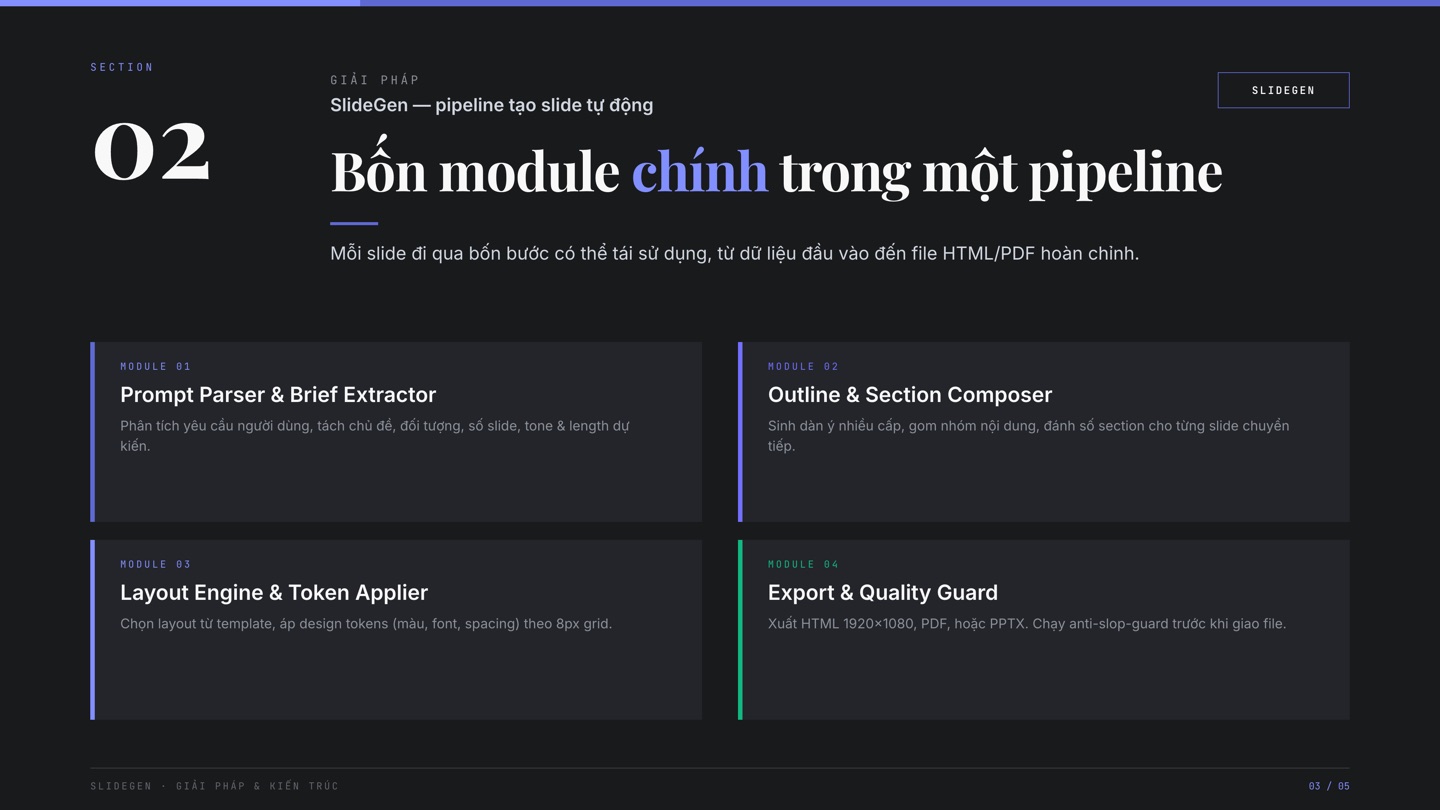
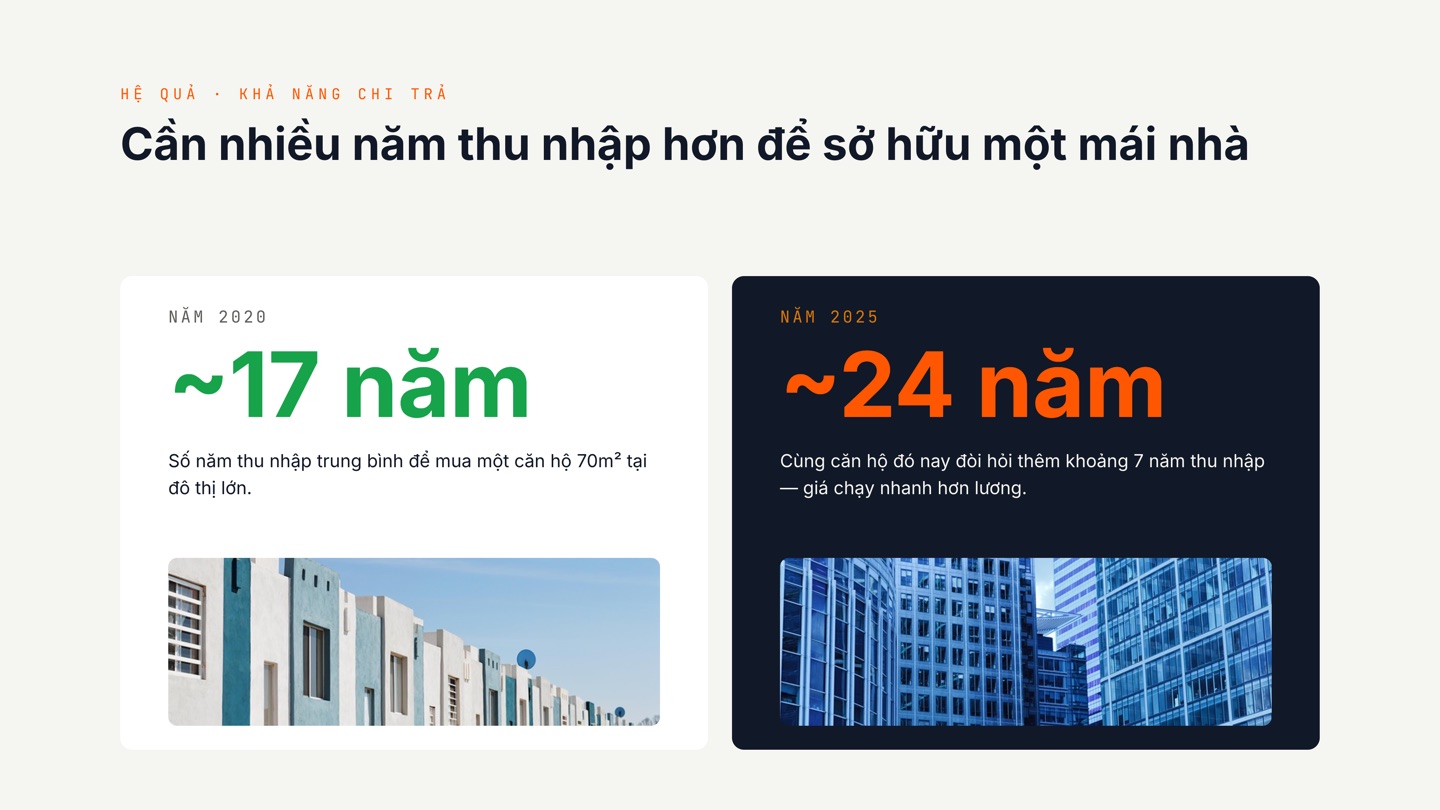
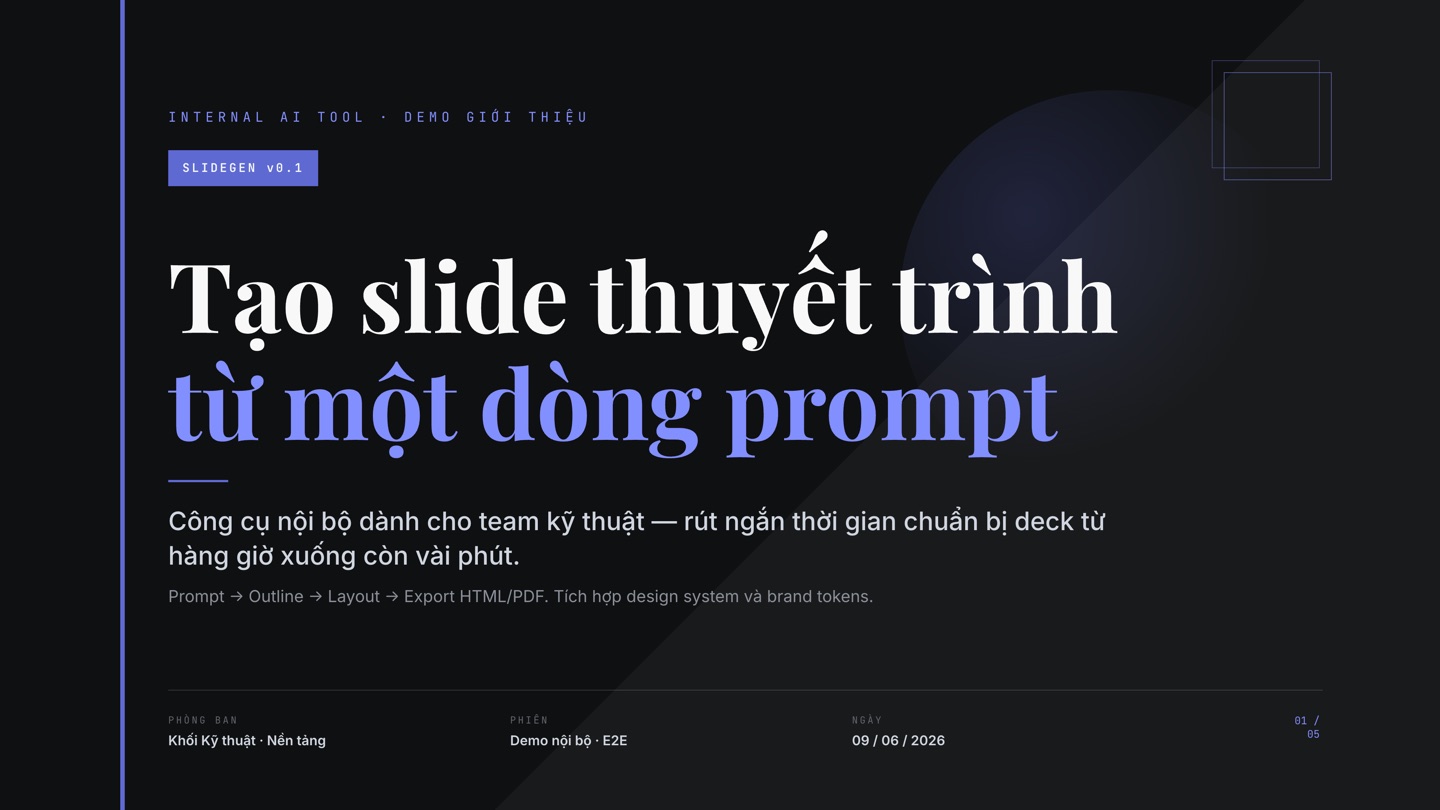
From idea to beautiful slides — no designer needed. Every example below was built by AI.


A more affordable Gamma alternative
Powerful, private, and cheaper — especially if you make slides often.
| Criteria | Folveo AI Slide Studio | Gamma |
|---|---|---|
| Starting price | From $3.99/mo | ~$10–20/mo |
| AI uses free models or your own plan | Yes | Gamma's credits |
| Slides saved on your machine | Yes | Stored in cloud |
| Present & export offline | Yes | No |
| Editable PowerPoint export | Yes (Pro) | Limited |
| Dual-screen presenting | Yes | Basic |
| No cloud account required | Yes | Required |
Start free, upgrade when you need
The free plan is full-featured. Upgrade to Pro to remove the watermark and unlock premium features.
Free
- Unlimited AI slide generation
- PDF & PowerPoint export
- Automatic consistent design
- Dual-screen presenting, draw & pointer
- Exports carry a Folveo watermark
Pro Monthly
- Remove the watermark everywhere
- Editable PowerPoint export
- New Pro features as they ship
- Priority support
Pro Annual
- Everything in Pro
- Billed once a year
- Better value for regular users
- Priority updates & support
Founder Lifetime
- Pay once, use forever
- All Pro features included
- Early founder perks
- Support the product's growth
Buy Pro once — get every new Pro feature we ship later, at no extra cost. In development: a brand kit, a premium template library, and cloud storage + collaboration.
What to know before you start
Yes. The free version includes all slide-making features; exported files simply carry a Folveo watermark. Upgrade to Pro to remove it.
Folveo uses AI that runs on your own machine — pick a free model or use the AI subscription you already pay for — so there are no separate AI fees. Your slides are saved on your machine (private, no cloud lock-in), you can present & export offline, and it's cheaper — from just $3.99/month.
Folveo connects to AI assistants installed on your machine — set up in one click, no terminal required. Use a free model, or tap the AI subscription you already pay for. Folveo adds no AI fees and never asks for an API key.
Absolutely. One-click install, no terminal and no API key. The interface is simple — type your idea and get slides.
Slides are saved right on your machine. There's no forced cloud upload — you stay in full control of your data.
It removes the watermark from your exports and lets you export an editable PowerPoint file. More importantly, Pro keeps gaining new features — upgrade once and get them all (a brand kit, template library, and cloud storage & collaboration are in development).
There are builds for macOS, Windows and Linux. Download and start using it right away — no complex setup.
Ready to create beautiful slides in seconds?
Download Folveo free — no credit card, no API key.